Biggest saving
€20.00
Steam−11.4 %€2.28 saved
from€17.7212 Shops
Compare pricesYour account for wishlists, price alerts and more.

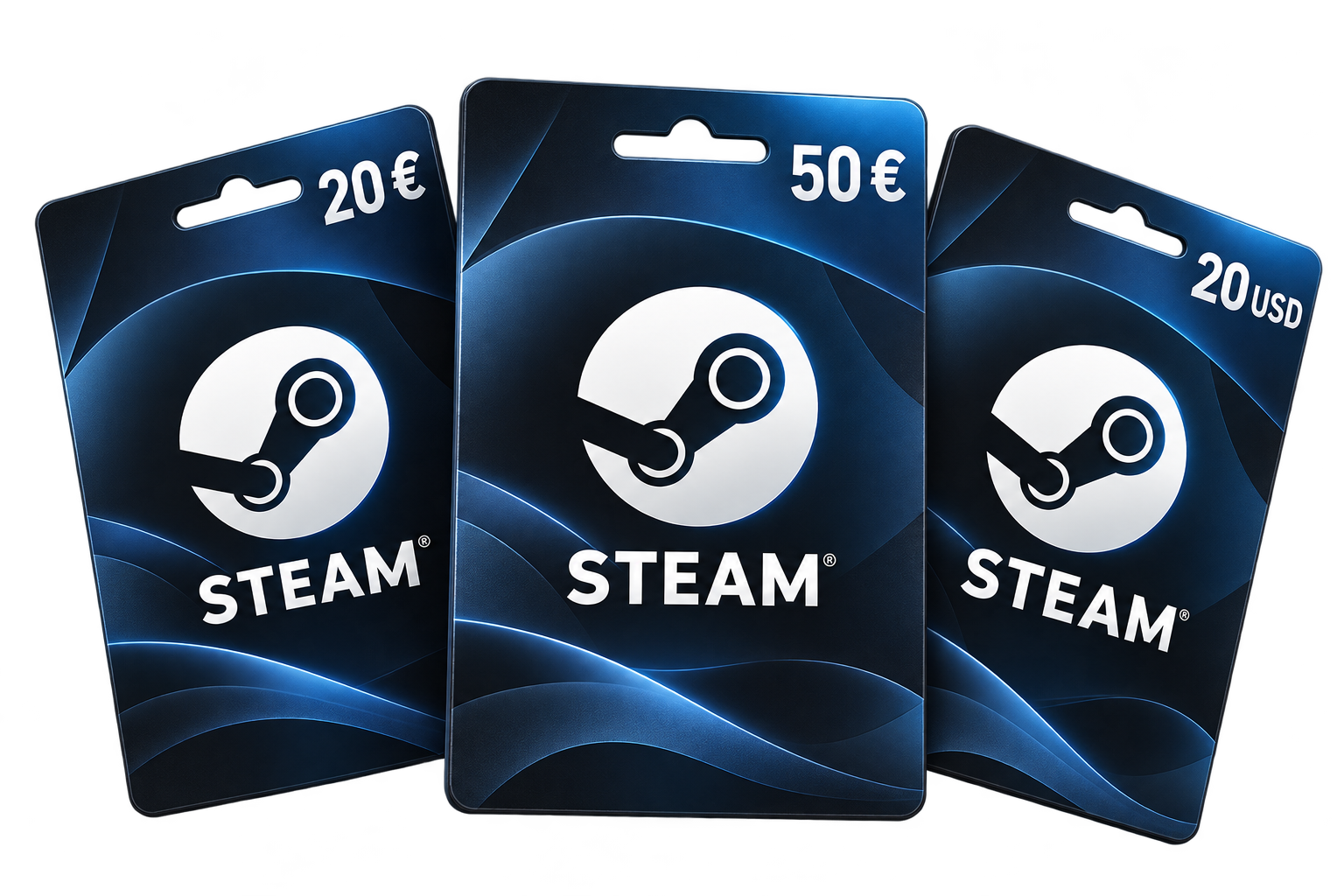
Compare Steam cards and top up your wallet at the best price.
More credit for your Steam library.
For Steam wallets in the selected currency. Check the card currency and offer region before buying. · 6 credit amounts
Shop prices are based on EUR. USD savings use a recent exchange rate and are estimates; check possible payment fees.
Find the cheapest gift-card combination for your game.
Steam Wallet credit · EU · EUR · Only redeemable in the specified country
Prices and savings before any additional fees and VAT. Enter coupon codes where required. Prices are per card; check quantity limits, availability and the final price at the shop. Clicking does not add cards to your basket.
More gaming for your money – we combine the right gift cards for you.
We find the cheapest combination covering at least your game price. Total price, savings and remaining credit are shown separately. All cards match the selected redemption country.
Compare all available shops or up to three favourites. See up to two other sellers for each card value. Choose the same-shop option to compare complete combinations from individual shops.
We also show an independent Instant Gaming combination. If a denomination is unavailable, we use other available values. Missing offers are clearly labelled.
Savings are compared with your game price before any additional fees and VAT. Purchase directly from the shop and check quantities, coupon codes and purchase limits.
Track the price of the Steam card with €50.00 credit. The comparison currently includes 10 offers from 9 shops.
Loading price history …
EUR shop prices are converted at the current exchange rate.
A Steam card tops up your Steam Wallet for games, DLC, software and other eligible content in the Steam Store. You choose when and how to spend the balance, whether on a major release or an indie discovery.
This page combines EUR and USD cards from our two previous categories. Choose the correct card currency, then select a credit amount. Shop offers are compared using EUR prices; savings on USD cards are estimates based on a recent exchange rate.
A wallet card can be a practical option if you prefer not to store credit card or bank details for Steam purchases. Payment methods and code delivery times depend on the retailer. Check the final checkout price, including any additional fees.
Choose a card for your own gaming budget or as a gift. Once redeemed, the funds are linked to the Steam account used for redemption. A wallet code is not a game key: you buy games separately with the available balance.
EUR does not automatically mean redeemable throughout Europe. Choose a code matching your Steam Wallet currency and check the retailer’s additional region restrictions. Steam warns of restrictions when code currencies differ. A wallet code changes neither your store country nor your account currency. Estimated USD savings here do not promise currency conversion at redemption.
Official Steam Wallet informationLoading the video establishes a connection to YouTube.
Watch on YouTubeHave your wallet code ready and check the signed-in account before confirming.
Credit does not need downloading. Games and other content are purchased separately afterwards. Only enter your wallet code on Steam’s official redemption page.
Read the full tutorial (German)