Biggest saving
€10.00
Xbox−20.0 %€2.00 saved
from€8.007 Shops
Compare pricesYour account for wishlists, price alerts and more.

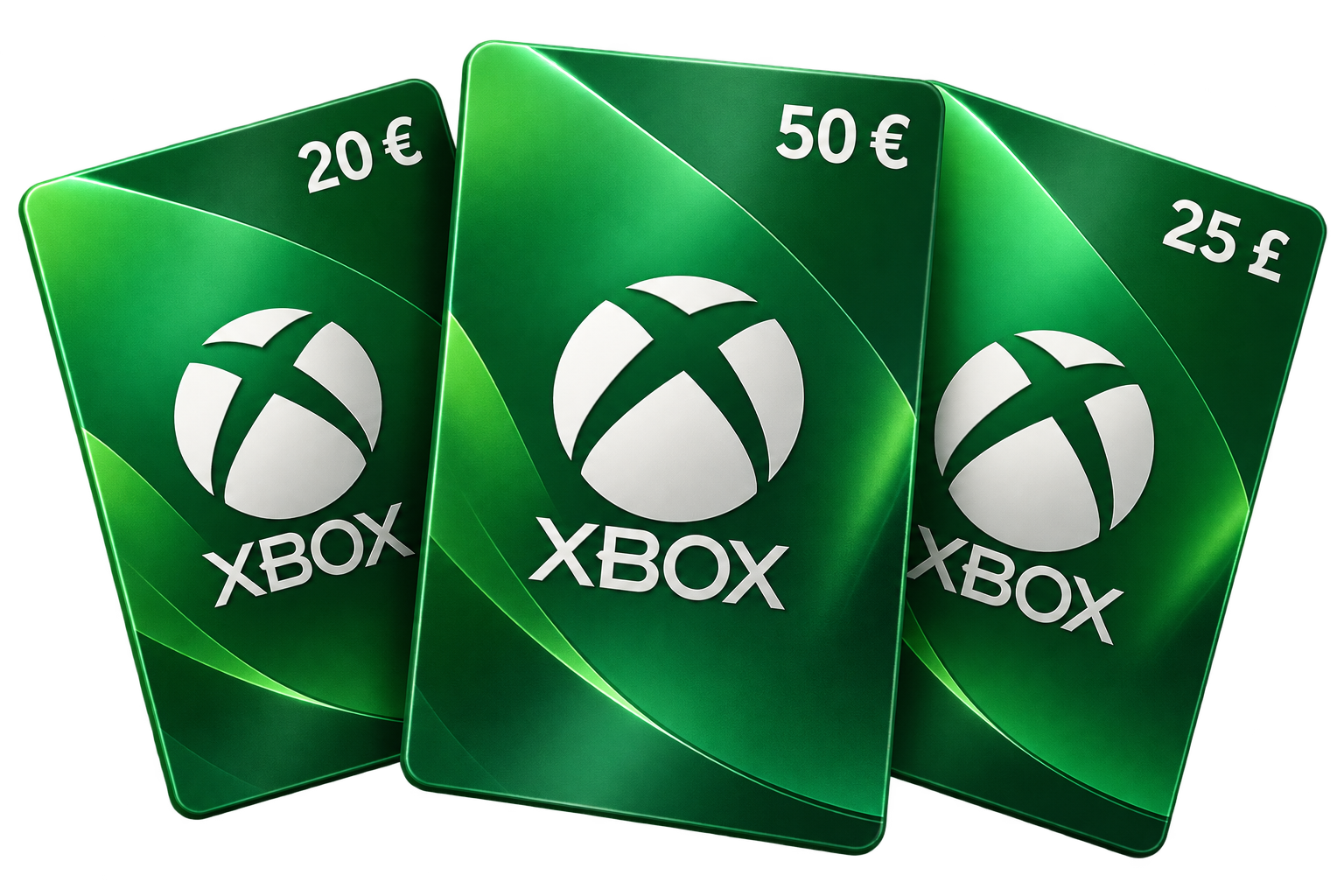
Compare Xbox gift cards and top up for less.
More credit for your Xbox games.
The card currency and region must match your Microsoft account. · 7 credit amounts
Shop prices are based on EUR. GBP savings are estimates using a recent rate; check possible payment fees.
Track the price of the Xbox card with €50.00 credit. The comparison currently includes 8 offers from 7 shops.
Loading price history …
EUR shop prices are converted at the current exchange rate.
Xbox credit adds funds to your Microsoft account for digital games, expansions and other eligible content in the Xbox and Microsoft Stores. Choose when to use your balance, whether for a major release, extra content or a smaller game.
Planetkey compares retailer offers for Xbox gift cards in euros and British pounds. Select EUR or GBP first, then choose a credit amount. Find a card that suits your budget and see whether the retailer price is below its face value.
A gift card can also make a useful present for an Xbox player. Code delivery, payment methods and any extra fees depend on the retailer. Check the final checkout details. You do not need to add a credit card simply to redeem a gift card.
Once redeemed, the funds belong to the Microsoft account used for redemption. Spend them on eligible purchases and set your gaming budget in advance. Subscriptions have their own payment conditions and may require another payment method. A wallet gift card is not a Game Pass subscription code.
Choose a card whose currency and stated region match your Microsoft account. EUR cards are not automatically usable in every European country, and GBP offers require a compatible account. Microsoft does not convert existing account balances to another currency. Estimated GBP savings here compare prices in euros; they do not promise that a foreign code can be redeemed.
Official Microsoft gift card termsLoading the video establishes a connection to YouTube.
Watch on YouTubeBefore confirming, check which Microsoft account will receive the balance.
Credit needs no download. It is added to the confirmed account; you purchase games and other content separately afterwards.
Read the full tutorial (German)