A Kingdoms of Amalur Re-Reckoning Key is a digital code redeemed on the platform specified in the offer, such as Steam, Epic Store, EA App. Once the code is accepted, the corresponding product is added to your account. Before buying, check the activation platform, edition, region and product type. Keys, accounts and digital gifts have different access and redemption terms.
Where is Kingdoms of Amalur Re-Reckoning the cheapest for PC?
Our price comparison currently lists 33 offers from 23 shops for Kingdoms of Amalur Re-Reckoning Key. The lowest displayed price is 4.93 € at Eneba. The difference from the highest-priced offer in this selection is 91 %. Compare prices together with the platform, product type and activation terms. Also check whether a discount code is available for Eneba; any additional discount depends on its terms. Confirm the final price, possible fees and availability on the shop website. For help with activation or use, visit our frequently asked questions and help guides. Buy Kingdoms of Amalur Re-Reckoning Key and compare prices across the available offers before choosing.
SteamStandardIn Steam, choose “Add a Game”, then “Activate a Product on Steam” and enter your key. Before buying, check the offer’s activation region and terms.
SteamFateIn Steam, choose “Add a Game”, then “Activate a Product on Steam” and enter your key. Before buying, check the offer’s activation region and terms.
SteamFATEIn Steam, choose “Add a Game”, then “Activate a Product on Steam” and enter your key. Before buying, check the offer’s activation region and terms.
SteamStandardIn Steam, choose “Add a Game”, then “Activate a Product on Steam” and enter your key. Before buying, check the offer’s activation region and terms.
SteamFanIn Steam, choose “Add a Game”, then “Activate a Product on Steam” and enter your key. Before buying, check the offer’s activation region and terms.
SteamStandardIn Steam, choose “Add a Game”, then “Activate a Product on Steam” and enter your key. Before buying, check the offer’s activation region and terms.
SteamFateIn Steam, choose “Add a Game”, then “Activate a Product on Steam” and enter your key. Before buying, check the offer’s activation region and terms.
SteamStandardIn Steam, choose “Add a Game”, then “Activate a Product on Steam” and enter your key. Before buying, check the offer’s activation region and terms.
Epic StoreStandardFor an Epic Games key, sign in and choose “Redeem Code” from your profile menu. Before buying, check the offer’s activation region and terms.
SteamStandardIn Steam, choose “Add a Game”, then “Activate a Product on Steam” and enter your key. Before buying, check the offer’s activation region and terms.
SteamFateIn Steam, choose “Add a Game”, then “Activate a Product on Steam” and enter your key. Before buying, check the offer’s activation region and terms.
SteamStandardIn Steam, choose “Add a Game”, then “Activate a Product on Steam” and enter your key. Before buying, check the offer’s activation region and terms.
SteamFateIn Steam, choose “Add a Game”, then “Activate a Product on Steam” and enter your key. Before buying, check the offer’s activation region and terms.
SteamFATEIn Steam, choose “Add a Game”, then “Activate a Product on Steam” and enter your key. Before buying, check the offer’s activation region and terms.
SteamFateIn Steam, choose “Add a Game”, then “Activate a Product on Steam” and enter your key. Before buying, check the offer’s activation region and terms.
Last price update: 21.11.2026 20:00. Prices from Kingdoms of Amalur Re-Reckoning: €4.93 to €54.99. Prices are updated regularly. Check the total price, VAT, platform and product type on the shop website. Additional fees or taxes may apply. You can report incorrect prices or links to us. Information may change or contain errors; accuracy, completeness and freshness are not guaranteed. Some links are affiliate links: Planetkey may receive a commission when you purchase. As an Amazon Associate, we earn from qualifying purchases. Offers initially appear from lowest to highest price; you can change the order.
Price history for Kingdoms of Amalur Re-Reckoning
Track the price history of Kingdoms of Amalur Re-Reckoning and compare recorded prices. The comparison currently includes 33 offers from 23 shops. Set a price alert to receive a notification when your target price is reached.
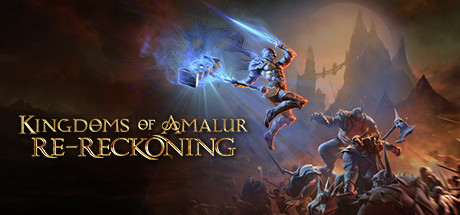
Kingdoms of Amalur was one of the most ambitious RPG projects of the last console generation. Although it was well received by critics and players upon release and maintains a strong reputation, disappointing sales led to the original developer's closure. Now, THQ Nordic has revived this overlooked classic with Kingdoms of Amalur: Re-Reckoning, a remastered edition that invites players to embark on a captivating RPG journey.
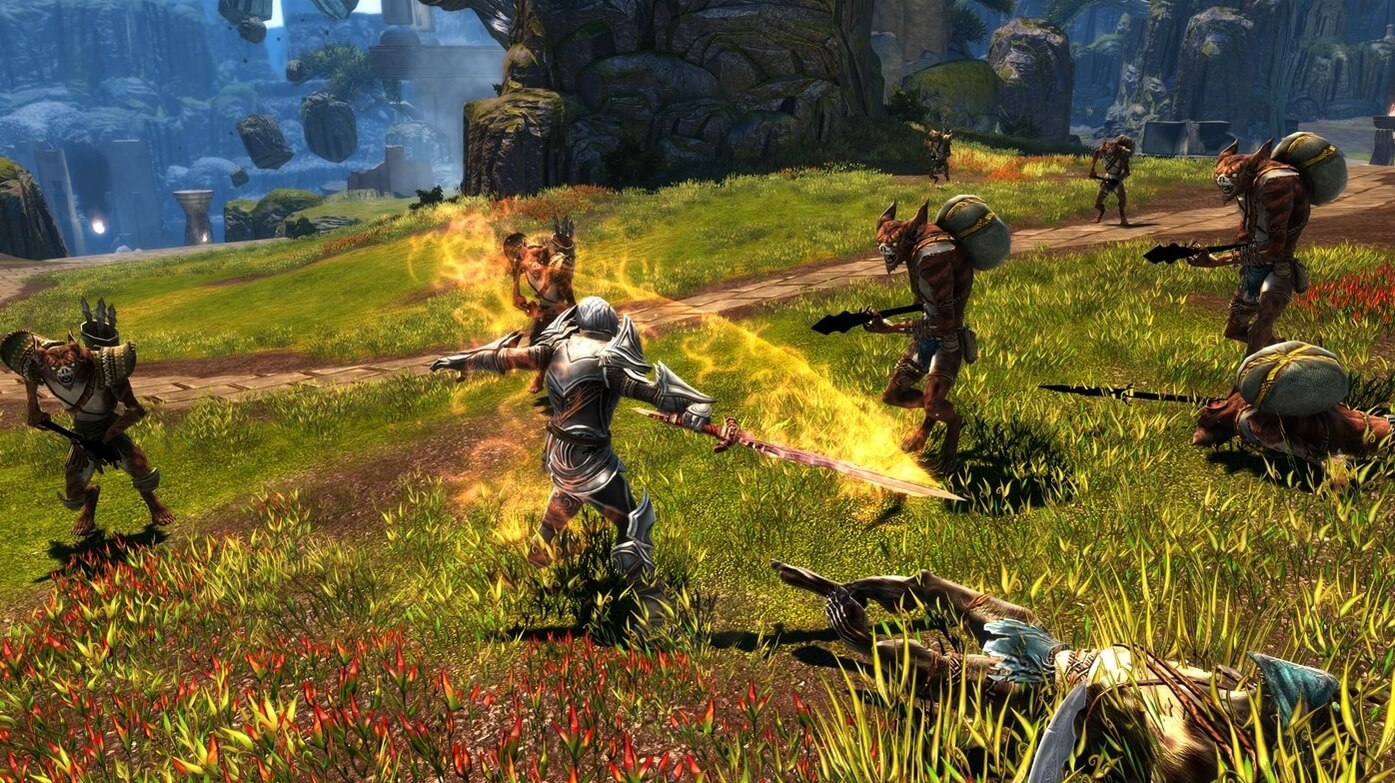
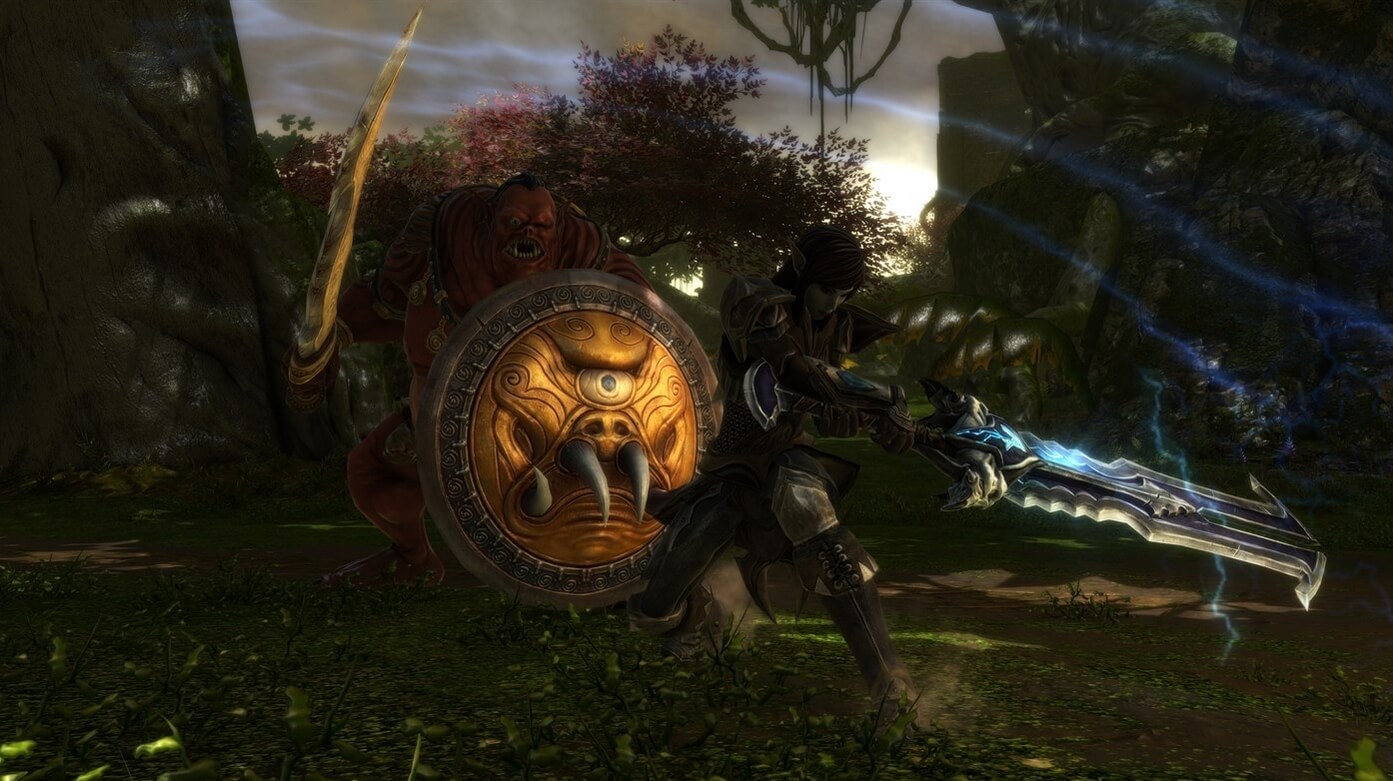
Kingdoms of Amalur: Re-Reckoning features contributions from notable names in fantasy and game design, including bestselling author R. A. Salvatore, Todd McFarlane (creator of Spawn), and Ken Rolston, lead designer of Elder Scrolls IV: Oblivion. The remaster revitalizes the original with significantly updated graphics optimized for modern PC hardware, and improved gameplay mechanics. Combat has been made more intuitive and enjoyable. The package includes the base game plus all expansions, with a brand-new expansion developed specifically for the remaster planned for free release in 2021.
Explore Amalur, a richly detailed fantasy world of vast meadows, sprawling cities, dark woods, and more, on the brink of war. As the chosen hero, you are tasked with bringing peace and justice to the land. Thanks to R. A. Salvatore's storytelling, the narrative offers depth comparable to popular fantasy series like Game of Thrones. Buy a Kingdoms of Amalur: Re-Reckoning Steam Key today and experience a remarkable RPG classic reimagined for modern players.
COMMENTS
No comments yet.
Be the first to comment on Kingdoms of Amalur Re-Reckoning!
WRITE A COMMENT
Log in to post a comment.