
What to Do If Your Key Doesn't Work - Contact the Shop?
Despite the care taken by the shops listed in the price comparison, sometimes a purchased key may not work or might have been accidentally sold twice. However, there’s no need to worry, as most shops offer excellent support systems! If you haven’t received a key at all, their support team will gladly assist you.
Didn’t receive your key? First, check the following:
- Did you provide the correct email address?
- Have you checked your spam folder?
- Is your order still processing in your account on the website?
Have you received your key but cannot redeem it? Then verify these points:
- Are you trying to redeem it on the correct platform (Steam, Epic, Ubisoft Connect, etc.)?
- Do you have the full code copied to your clipboard?
- Did you type it manually and possibly make a mistake (e.g., mixing up 0 and O)?
- Have you followed all instructions included in the email from the key shop?
- You can find detailed help here. If you have checked all of these points, be ready with your order number and contact the support team of the respective shop. You can create a support ticket on their website, and some shops also offer live chat to speak directly with a representative.
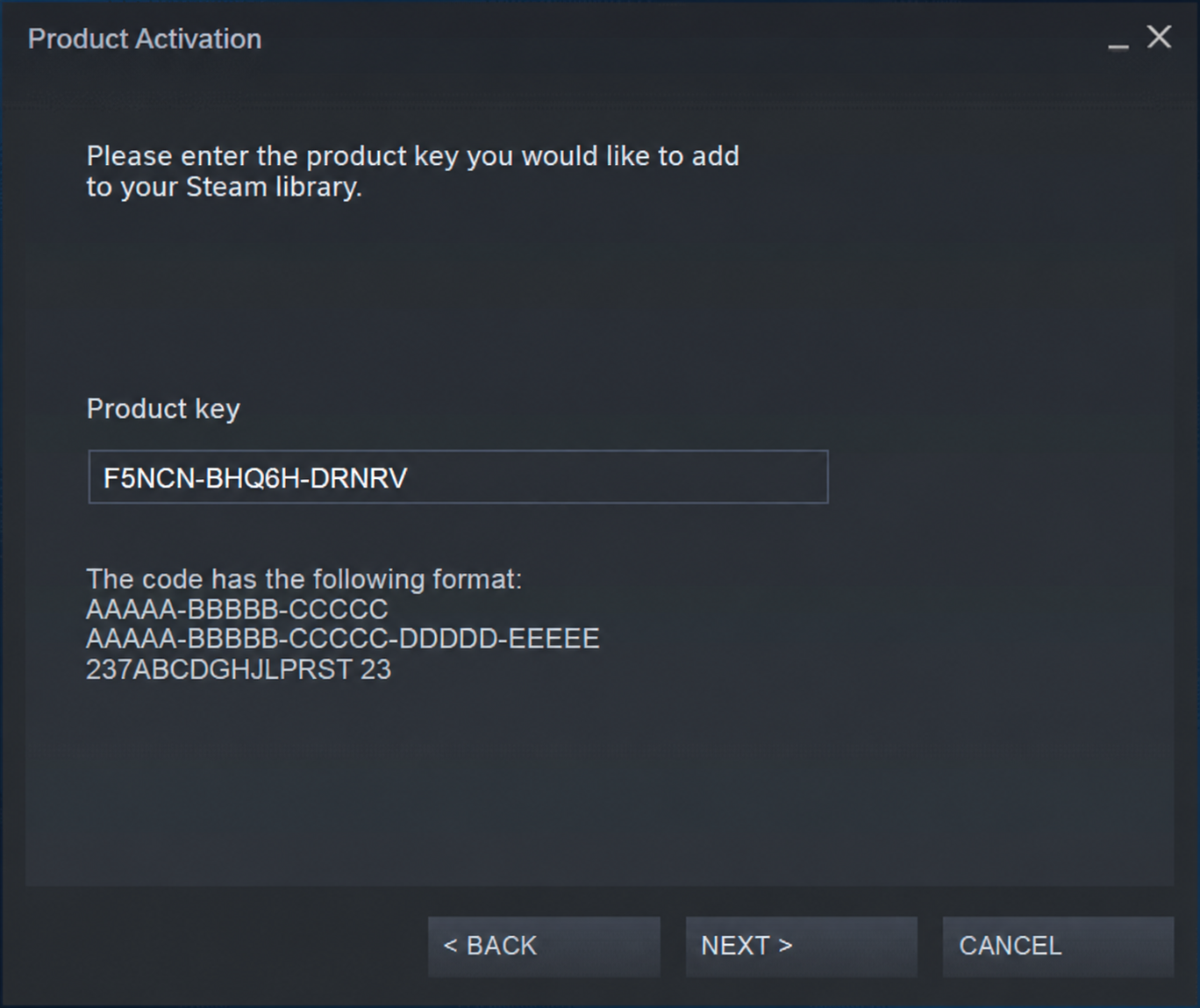
What information does the support team need to assist you as quickly as possible?
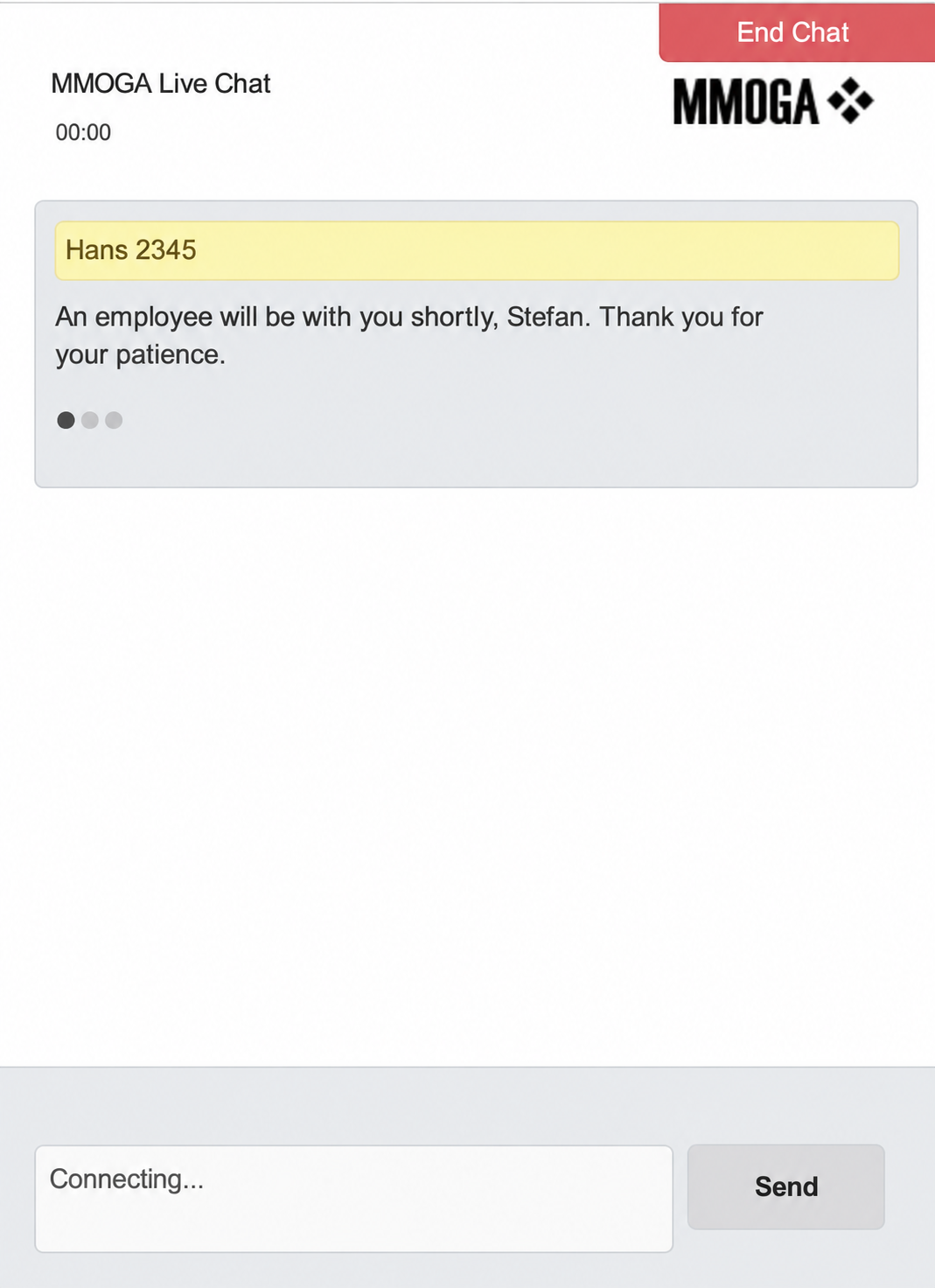 Your order number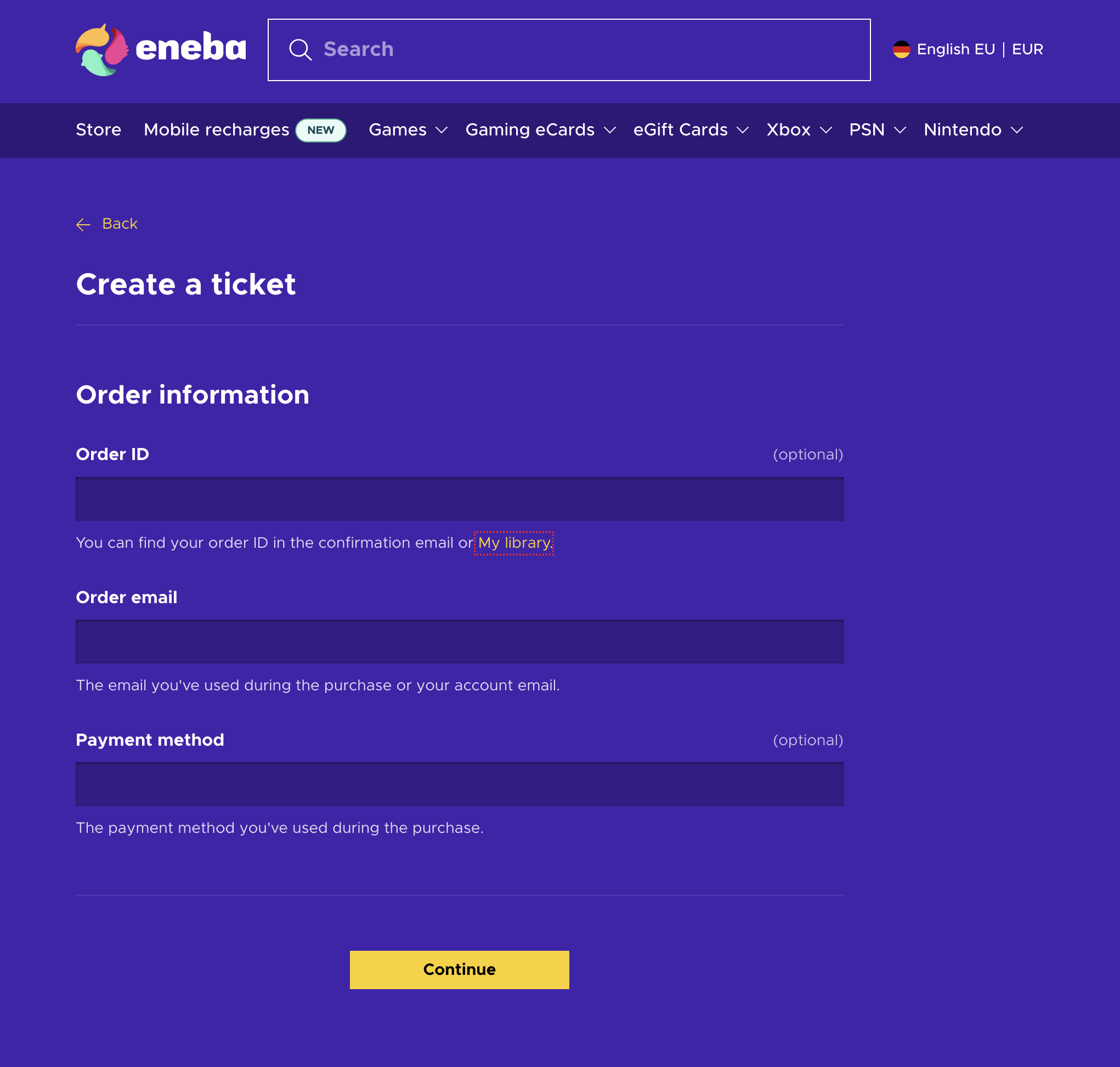
A screenshot of the error message if the key won’t redeem
- A screenshot of your game library in the client, showing the seller that the key is not redeemed
- Note: Try to describe the situation as thoroughly as possible and include clear screenshots where all details are easy to see.
- If the provider is uncooperative unexpectedly, you can also contact us via email or live chat. We will reach out to the provider on your behalf. If you paid with Paypal, you still have the option to open a dispute. To do this, simply report a problem with the seller in your Paypal transactions and provide screenshots to explain your case.
If you paid through PayPal, check the dispute options available for your transaction in your PayPal account.